

Artwork & Design Guidelines | FlagStride
Last Updated: September, 2025
Compliant with ADA, FTC, and international copyright standards
At FlagStride, we want your flags to print exactly the way you imagine them. This guide explains how to prepare and submit your artwork so everything runs smoothly, no delays, no surprises. Our team will also check every file before printing, and small adjustments are always free of charge.
1. Preparing Your Artwork
Choose the Right File Format
- Vector files (highly recommended): AI, EPS, PDF/X-4, or SVG. Perfect for logos, text, and graphics, they stay sharp at any size, from business cards to banners.
- High-resolution raster files: PNG or JPG at 300 DPI or higher. These work best for prints that use rich images or photographs.
Set Up Colors for Print
- Please work in CMYK, this is the color language our printers speak. If your file arrives in RGB, we’ll convert it automatically, but some color shifting may occur.
- For precise color matching, include Pantone® (PMS) numbers or specific CMYK values with your file.
Layout & Safety Margins
- Extend background colors and images by 0.5″ on all sides (this “bleed” ensures full coverage after trimming).
- Keep important text and logos at least 1″ away from the edges (the “safe zone”) to prevent accidental cropping.
2. Ready to Send Us Your Artwork?
You’ve got options. Choose the way that works best for you:
Upload in the Design Tool (Recommended)
The easiest way is to bring your design directly into our online editor. Here’s how:
- On any product page, click “DESIGN NOW.”
- In the editor that opens, select the “IMAGES” tab from the left toolbar.
- Click or drag your file into the “Click or drop images here” zone.
Your image will upload instantly, and you can position it right where you want. When you complete your order, the file is already perfectly linked to your project.
Email Your File
- Files under 5MB: You can email your file to custom@flagstri.com. Please include your order number in the subject line so we can keep everything organized.
- For Large Files (Over 5MB): Don’t worry if your file is too large for email, just send it through a file-sharing service like Google Drive or Dropbox, and share the link with us at custom@flagstri.com.
3. Design Support
Not every file arrives perfectly print-ready, we get it. Whether you need a minor tweak or a full custom design, our team is ready to ensure your artwork looks its best.
Free File Check & Minor Fixes
Got a design that’s almost there? We’ll happily handle minor adjustments like alignment tuning, file format conversion, or quick cleanups, completely free of charge.
Custom Design Service
Starting from scratch or need your logo converted to vector format? Our design team can bring your vision to life. Email custom@flagstri.com and we’ll provide a tailored solution.
Free Digital Mockup
Want to see your design on a flag before committing? Submit our Free Mockup Form and we’ll send you a realistic preview within 24 hours, no obligation attached.
Not sure about your file? Send it to us at custom@flagstri.com. We’ll check its resolution and format within one business day and advise you on the best next steps.
4. The Proof & Approval Process – Your Final Check Before Printing
Before any flag goes into production, you’ll receive a digital proof to review. This is your chance to verify every detail.
24-Hour Proof Turnaround
Within one business day of receiving your complete order and artwork, we’ll email your proof.
What to Check
Please examine the proof carefully—especially spelling, colors, layout proportions, and overall size.
How to Approve
Simply reply “Approved” to the proof email. If you need changes, let us know exactly what should be adjusted.
Important: To keep your project on schedule, if we don’t hear back within 48 hours, we’ll assume the proof is approved and begin printing. Once approved (explicitly or automatically), no further changes can be made.
File Types: Vector vs. Raster
For designs that need to scale, the file type you choose is critical.
Vector Files (AI, EPS, PDF, SVG)
Vector files use mathematical paths, not pixels, to define graphics. This means your logo or text stays perfectly sharp whether it’s printed a few inches wide or across a massive banner. They’re essential for any crisp-edged artwork.
Best for: Logos, text, illustrations, and any graphics where sharpness is essential.
Raster Files (PNG, TIF, PSD, JPG)
Raster images are made of tiny colored pixels—like a digital mosaic. While they can display incredible detail at their original size, enlarging them too much causes those pixels to become visible, resulting in blurry or blocky edges.
Best for: Photographs and complex imagery with subtle color gradients.
Simple rule of thumb: If it needs to scale, go vector. If it’s a photo, raster works, just make sure it’s high resolution.
Image Resolution Guide
Using photos or raster images (JPGs, PNGs)? For printed flags using raster images (like JPGs or PNGs), clarity depends on resolution, measured in DPI (dots per inch). A higher DPI generally means a sharper image.
However, higher isn’t always better. The ideal DPI depends on how far away your audience will be:
- 0–3 ft (Up-close viewing): 300 DPI – ideal for indoor banners or table flags
- 3–10 ft (Medium distance): 150–200 DPI – perfect for storefronts and event displays
- 10–50 ft (Far viewing): 75–150 DPI – works for most large outdoor flags
- 50+ ft (Distant viewing): 30–75 DPI – sufficient for stadiums or billboards
For best results, use: Original RAW photos or purchased stock images.
Please avoid: Screenshots, web images, or low-quality scans.
Color & Printing Guidelines
Getting colors right is one of the trickiest parts of printing, what you see on screen doesn’t always translate perfectly to print. Here’s what to expect and how we can work together to get the best results.
Why We Use CMYK?
Printing uses CMYK (Cyan, Magenta, Yellow, Black) inks, which blend together to create the full spectrum of print colors. This is very different from how screens display color. Your phone, tablet, or computer uses RGB (Red, Green, Blue) light to show bright, glowing images, including neon shades and digital-only colors that simply can’t be reproduced with ink on fabric.
That’s why starting with a CMYK file gives you the most predictable results. For spot colors, Pantone® Solid Coated swatches are your best bet for precision.
What about HEX colors?
HEX codes work great for websites and apps, but they’re not designed for print. Because they’re based on RGB light (what your screen uses), they don’t translate perfectly onto fabric. If HEX is all you have, don’t worry, we can convert it to CMYK. Just keep in mind that the printed result may look a little different.
Understanding Color Limitations
- Special effects like metallics, foils, or reflective finishes aren’t possible with our current printing method
- Neon and fluorescent colors will appear as their closest CMYK equivalent, but won’t have that signature “glow”
- Screen to fabric differences are normal, colors can shift slightly due to monitor calibration and how inks absorb into different materials
Our Color Matching Promise
We take color accuracy seriously and will always work to match your brand standards as closely as possible. For the best results:
- Provide Pantone® numbers for critical colors
- Use our rich black formula (C=0, M=0, Y=0, K=100) for deep, consistent blacks
- Consider a printed sample if color is mission-critical—it’s the only way to see exactly how your colors will look on actual fabric
Fonts & Images Guidelines
Two small but important steps can make a big difference in making sure your design prints exactly the way you envisioned:
Convert Your Fonts to Outlines
The font you used on your computer might not be on ours. If it’s missing, our software will substitute a different one, and suddenly your carefully chosen typography looks completely different.
To lock in your design, always convert text to outlines (or “curves”). This turns your words into unchangeable graphic shapes, guaranteeing they’ll print exactly as you see them on your screen.
Embed Your Images
When you place an image in your design file, make sure it’s embedded, not just linked. A linked image is like a placeholder; it points to a file saved elsewhere on your computer. If that link breaks, the image will disappear from your design when we open it.
Embedding, on the other hand, packs the image directly into your design file. This keeps everything together in one place, so your entire design arrives intact and ready to print.
Templates
To make setup easy and ensure the best print results, we provide ready-to-use templates for all of our standard products and sizes. Using these templates helps you avoid formatting errors and keeps your order moving smoothly.
Here are a few things to keep in mind:
- Don’t resize the templates. They’re already pre-set to the exact scale of our printers, so changing the size can cause problems.
- Photoshop® users: Please delete the template layer before saving your final file.
- Custom sizes: If you’re ordering something unique, simply set your artwork to the actual size you want. Our team will add the necessary bleed and finishing allowances on our end.
💡 Tip: Think of templates as a safety net, they make sure your design comes out just the way you intended, without unexpected surprises in production.
Intellectual Property
Protecting Your Work (And Others’)
At FlagStride, we believe great creativity deserves respect and protection. When you send us your artwork, you’re confirming that every element, from logos and images to slogans and graphics, is yours to use. This isn’t just about our policy; it’s about safeguarding your brand and your reputation.
What to Avoid:
To keep everything above board, please don’t submit designs that include:
- Material that’s copyrighted or trademarked without proper permission
- Content that could be considered offensive, discriminatory, or harmful
- Anything that might infringe on someone else’s rights or create legal risks
We reserve the right to decline any order that doesn’t meet these standards. Our goal is simple: we want you to be proud of your flag, without any legal surprises down the road.
Unsure about your artwork? We’re here to help, feel free to email us at custom@flagstri.com. It’s always better to be safe than sorry.
Need Help?
- Design & File Questions: custom@flagstri.com
- General Support: support@flagstri.com






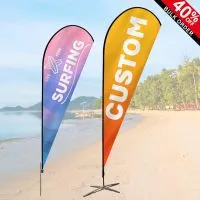
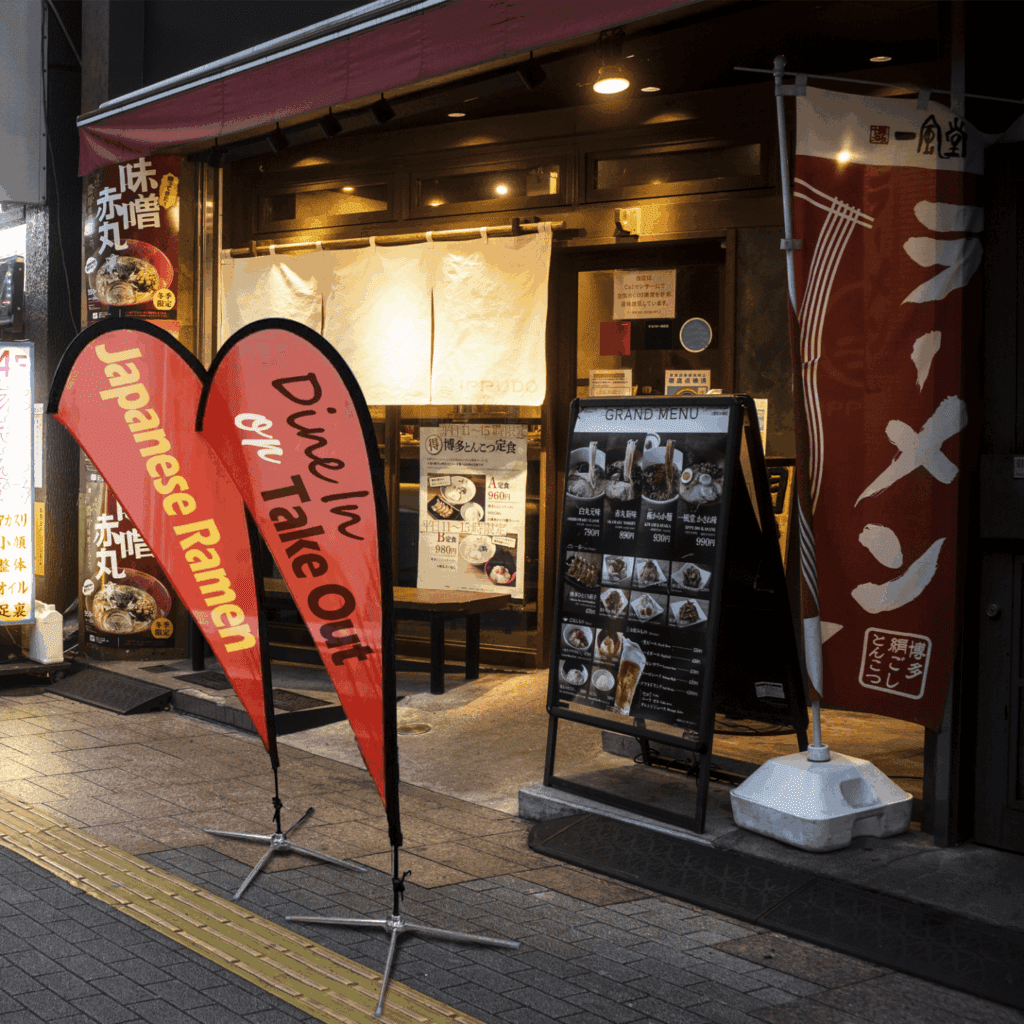
 Custom Flags
 Custom Advertising Flags
 Custom Banners
 Custom Signs
 Custom Stickers & Decals